How Workflow Automation Helps Reduce Human Errors and Delays

A contractor calls your inside sales desk at 7:15 on a Monday. He wants a price on 60 sheets of 3/4-inch plywood and two boxes of joist hangers, delivered to a job site on Thursday. Your rep writes it on a pad, types it into the quote spreadsheet, emails a PDF, and later keys the order into the order system when the contractor says yes. Somewhere along the way, 3/4 becomes 1/2, or Thursday becomes Tuesday, or the price needs a manager's OK and sits in their inbox while they're out walking the yard.
Nobody was careless. The process just had too many places where a person had to copy something by hand or wait on someone else.
We work with construction suppliers, trades businesses and industrial sales teams who are moving off spreadsheets and into a CRM, usually HubSpot. This article covers where errors and delays really come from, the handful of automation patterns that fix most of them, and examples from teams like yours. Plain talk, and no promise that software fixes a broken process on its own.
Where Do Errors and Delays Actually Come From?
In our experience, almost every error and delay on a sales or operations team traces back to one of five causes.
Re-keying
Every time someone types the same information into a second system, there's a chance it changes. Quote to order, order to dispatch, dispatch to invoice. Part numbers, quantities and delivery addresses are the usual casualties.
Handoffs
When work moves from inside sales to estimating, or from sales to dispatch, it waits in a gap that belongs to nobody. Handoffs usually happen by email, phone or "I'll tell him when he's back."
Approvals stuck in inboxes
Below-margin pricing, credit holds and special orders often need a manager's sign-off. If the request is an email, it competes with a couple of hundred others, and the customer waits.
Missing information
A quote goes out without the delivery window. An order is entered without the PO number the contractor's accounts payable team requires, so the invoice bounces back weeks later and payment slips another month.
Follow-up that depends on memory
Follow-ups on open quotes, callbacks on service issues and reorder reminders live in people's heads or on sticky notes. They happen when somebody remembers.
Spreadsheets make all five worse. Several versions float around, nobody's sure which is current, and there's no record of who changed what.
Which Automation Patterns Fix Them?
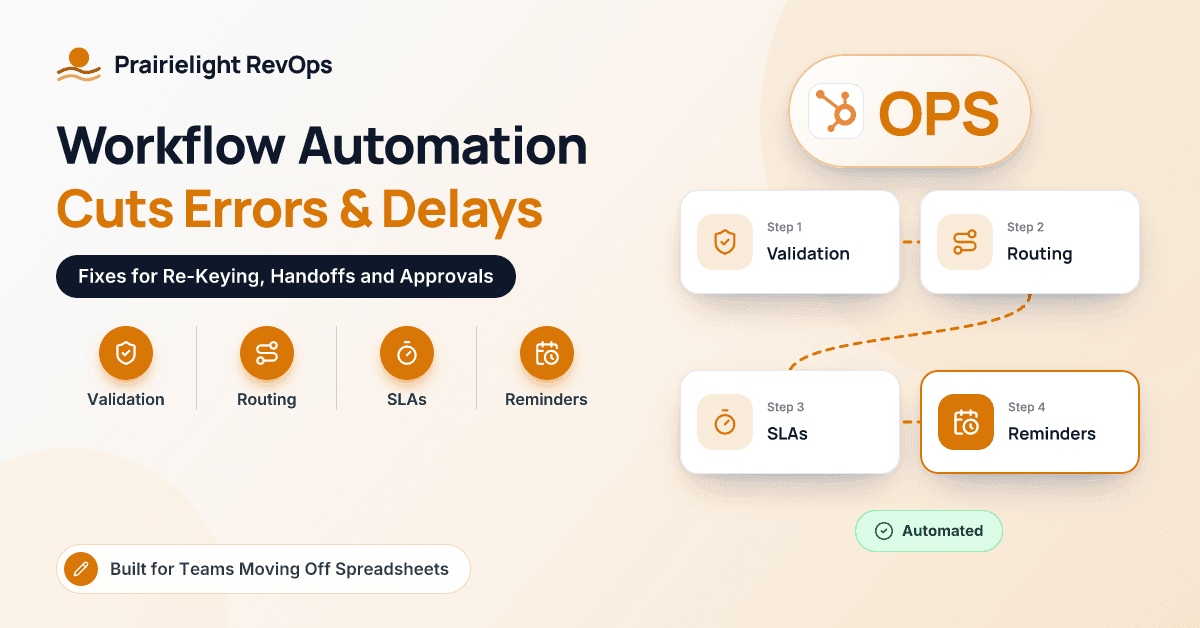
You don't need dozens of automations. Five patterns cover most of the ground.
Validation: catch bad data at the door
Validation rules stop obviously wrong entries before they're saved: a quantity of zero, a phone number with letters in it, a delivery date in the past. In HubSpot, property validation rules can enforce formats and ranges on many field types, and dropdowns can replace free-text fields so "3/4 ply" and "plywood .75" become one product. Building quotes from a product library, instead of typing descriptions and prices, removes a whole category of re-keying.
Required fields at the right moment
Make key information required when it matters, not on day one. A deal can't move to "Quote Sent" until the job name, delivery address and requested date are filled in. It can't move to "Won" without a customer PO number. HubSpot lets you require specific properties when a deal enters a given pipeline stage, and it's one of the most effective error-reduction settings we use.
Routing: send work to the right person automatically
Instead of a shared inbox, new requests are assigned by rules: by territory, branch, product line or rotation. When a deal is won, a task for dispatch or operations is created automatically with the job details attached, so the handoff is a record, not a phone call.
SLAs and escalation: put a clock on waiting
Set a target time for every step that tends to stall. Respond to a quote request within two business hours. Approve a pricing exception within four. If the clock runs out, the request escalates to a backup or the next manager up. Service Hub supports SLAs on tickets on supported tiers, and workflows can apply the same idea to deals and approval tasks.
Reminders and tasks: take follow-up out of people's heads
When a quote goes out, a workflow schedules a follow-up task for three days later. If the deal is still open after ten days, it nudges the rep and their manager. When a service ticket closes, a check-in call is scheduled for the following week. Simple, a little boring and very effective.
Root Causes and Fixes at a Glance
| Root cause | What it looks like | Automation pattern | Example in a CRM |
|---|---|---|---|
| Re-keying | Wrong part numbers or quantities on orders | Product library and quote-to-order sync | Quote built from the product library; won deal passes line items to the order system |
| Handoffs | Won jobs not scheduled for delivery | Routing and auto-created tasks | Won deal creates a dispatch task with job details |
| Stuck approvals | Pricing exceptions waiting for days | Approval routing with SLA and escalation | Approval task due in four hours, then escalates |
| Missing information | Invoices rejected for missing PO numbers | Required fields at stage changes | Deal can't close without a PO number |
| Memory-based follow-up | Open quotes forgotten | Reminders and tasks | Follow-up task three days after a quote is sent |
| Bad data entry | Typos and impossible dates | Validation rules and dropdowns | Delivery date must be in the future |
What Does This Look Like for Construction and Industrial Sales Teams?
A building-materials supplier's quote desk
A multi-branch supplier we worked with ran quotes from a shared spreadsheet and email. Contractors sometimes got two different prices from two reps, and margin approvals happened by phone. We moved quoting into HubSpot with a product library, required job name, delivery window and PO number at the right stages, and routed below-margin quotes to the branch manager as tasks with a four-hour target and automatic escalation to the regional manager. Once won deals passed line items to the order system, the re-keying step disappeared. What the team noticed most was that chasing stopped being part of the job.
An industrial equipment dealer's service desk
Service calls landed with whoever picked up the phone, and parts for repairs were entered twice: once on the work order and again in the parts system. We set up tickets with required fields for equipment serial number and site contact, routed them by region, and added an SLA with escalation for anything marked "machine down". When a technician recommended a replacement unit, a workflow created a deal for the territory rep, so those opportunities stopped getting lost between service and sales.
A specialty trades contractor's bid follow-up
A commercial trades contractor sent bids to general contractors and rarely followed up, because estimators moved straight on to the next bid. We added a simple bid pipeline, follow-up tasks at three and ten days, and a required "loss reason" when a bid was marked lost. Within a couple of quarters they had a clear picture of which general contractors they actually won work from, and which ones were just collecting prices.
How Do You Start Without Breaking Things?
- Pick one leak. Choose the step where errors or delays hurt most, often quote approvals or the sales-to-dispatch handoff.
- Measure it now. For two weeks, tally how often it goes wrong and how long it takes. Rough numbers are fine.
- Fix the process on paper first. Agree who owns each step and what "complete" means before building anything.
- Automate the smallest version. One required field, one routing rule, one reminder.
- Watch the exceptions. For the first month, review every case the automation didn't fit, adjust, then add the next pattern.
If you're new to all this, this guide to business process automation basics explains the building blocks, and these workflow automation examples show how other departments use the same patterns. Planning a move from spreadsheets to a CRM? These CRM implementation best practices cover data migration and adoption.
Pro tip: Start with required fields at stage changes. They take minutes to set up in most CRMs and stop a surprising number of downstream mistakes before they happen.
What Won't Automation Fix?
Automation enforces a process; it doesn't invent one. If nobody owns the product list, a product library just spreads bad prices faster. And if reps can still take orders by text message and "enter them later", that's exactly where your errors will move. Close the side doors before you automate the front one.
Conclusion
Most errors and delays on a sales or operations team come from the same few places: re-keying, handoffs, stuck approvals, missing details and follow-up that depends on memory. Validation, required fields, routing, SLAs and reminders fix most of them, and none of it requires a developer. Start with the one leak that costs you most, fix the process on paper, automate the smallest version and build from there. If you're moving off spreadsheets and want a practical plan for cutting errors, the folks at Prairielight RevOps are always happy to talk shop.
Frequently Asked Questions
What kinds of human errors can workflow automation prevent?
It's best at preventing errors that come from copying, forgetting and waiting: mistyped part numbers and quantities, missing PO numbers or delivery dates, forgotten follow-ups and approvals that sit unanswered. It's less useful for judgment calls, such as whether to extend credit to a new customer, which still need a person.
Will required fields slow my sales team down?
Only if you require too much, too early. Ask for the minimum at each stage, at the moment the information is actually needed, and use dropdowns instead of free text where you can. Most reps find it faster than fixing a rejected order or invoice later.
Do I need an ERP integration to stop re-keying?
Not always. Building quotes from a CRM product library removes much of the typing on its own. If orders still have to be keyed into an ERP or order system, an integration that passes won deals and line items across is usually the next step, and it's often worth it for high-volume teams.
Can HubSpot handle quote approvals?
HubSpot offers quote approval settings on some Sales Hub tiers. On other tiers, teams often use a workflow that creates an approval task for a manager when a discount or margin threshold is crossed, with a reminder and escalation if it isn't completed in time. Check current plan details to see which option you have.
How quickly will we see fewer errors?
Simple fixes like required fields and validation rules work from the day you switch them on. Routing, SLAs and reminders usually take a few weeks to settle as you adjust thresholds and owners. Measuring your starting point first is what lets you see the improvement clearly.