CRM Implementation Best Practices: How to Deploy CRM Without the Pain

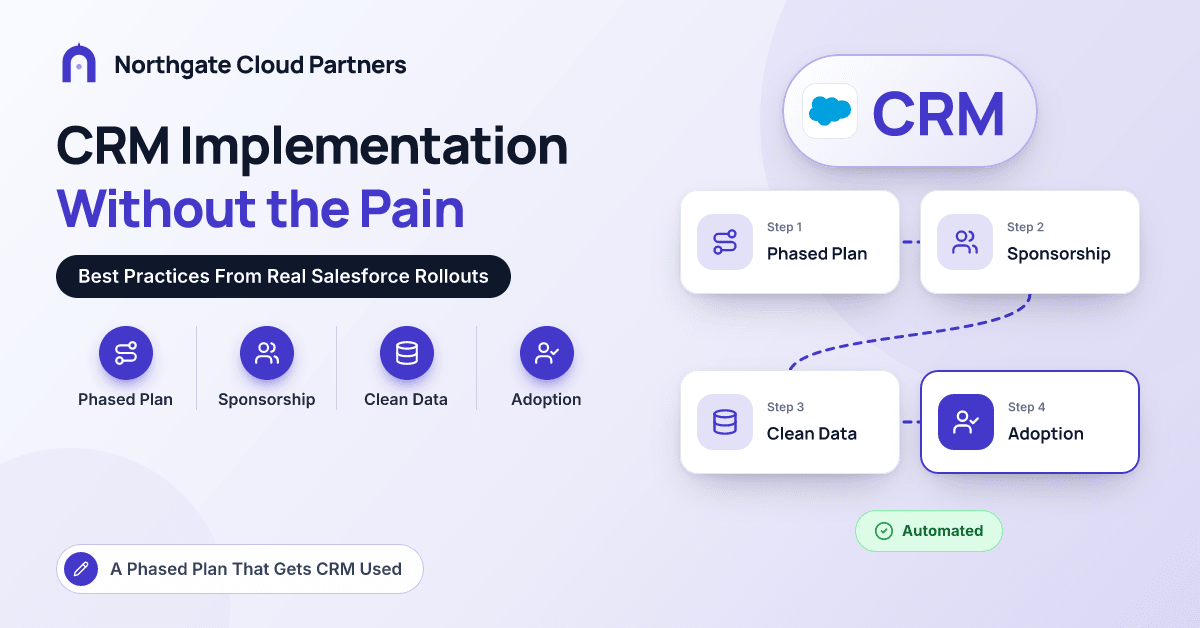
Go-live day usually goes fine. The org looks sharp, the dashboards light up, and the sales leader sends a congratulatory email. The pain arrives about six weeks later, when the pipeline review is being run from a spreadsheet again, reps are logging calls from memory on Friday afternoons, and nobody trusts the forecast because half the open opportunities have a close date in the past.
We get called into a lot of those projects, and the software is rarely the problem. Salesforce did exactly what it was configured to do; it was simply configured before anyone agreed how the business sells, the data went in dirty, and launch was treated as the finish line.
This guide sets out the CRM implementation best practices we rely on in Sales Cloud and Service Cloud rollouts: how we phase the work, what we need from sponsors, how we handle migration, what a minimum viable configuration looks like, and how we measure success after launch. It is written for sales, service and operations leaders planning a first CRM or a re-implementation.
Why Do CRM Implementations Become So Painful?
Most painful rollouts share three habits, and none of them is technical.
The first is configuring before deciding. Screens get built while marketing and sales are still arguing about what a qualified lead is, and every unresolved disagreement becomes a picklist value or a custom field.
The second is treating data migration as a weekend task. Years of contacts from a legacy CRM, a marketing tool and three spreadsheets get loaded on a Saturday, and on Monday every rep finds four versions of their best customer.
The third is believing launch is the finish line. Budget and attention evaporate at go-live, precisely when users need the most help. If this sounds familiar from the back office, it should: it mirrors many of the common ERP implementation challenges buyers face on the finance side.
What Does a Phased CRM Rollout Plan Look Like?
We rarely recommend a big-bang launch for a CRM that serves more than a couple of teams. A phased plan delivers a working core to a pilot group, learns from real usage, then widens scope in waves.
| Phase | Focus | Exit criterion |
|---|---|---|
| 1. Align | Goals, sponsor, scope, three to five success metrics | Sponsor signs off scope and metrics |
| 2. Design | Target process, roles, stage definitions, field list | Sales and service leads agree definitions |
| 3. Build | Minimum viable configuration in a sandbox | Pilot users can complete their core day in the sandbox |
| 4. Migrate and test | Cleansing, trial loads, user acceptance testing | Counts reconcile; no open critical defects |
| 5. Launch and hypercare | Pilot go-live, then waves, daily triage | Adoption and data quality stable for several weeks |
| 6. Iterate | Backlog, release cadence, next capabilities | Governance runs without the partner in the room |
Two details make the difference. The pilot group should be representative, not just enthusiastic, so include at least one skeptical senior rep and one manager who runs a weekly pipeline meeting. And each wave should go live with its reports already built, so managers can run their meetings from the CRM on day one.
Why Does Executive Sponsorship Matter So Much?
A CRM changes how people spend their day and how their performance is seen. That is a management decision, not an IT project. An effective sponsor does four things:
- Decides quickly. When sales and marketing disagree on lead status values, the sponsor settles it within days.
- Runs meetings from the system. If the CRO pulls the forecast from a Salesforce dashboard, adoption follows. If a spreadsheet is accepted "just this once," it never stops.
- Protects the team's time. Subject-matter experts need real hours for workshops and testing.
- Funds life after launch. Admin capacity, training and a post-launch backlog are agreed before go-live.
Warning signs of weak sponsorship: steering meetings delegated to a deputy, decisions repeatedly "parked," and a sponsor who has never logged in to the sandbox.
Why Should Process Come Before Tooling?
Salesforce can model almost any sales motion, which is exactly why you need to know yours first. Our design workshops produce three artifacts before anything is built.
A lead-to-close map showing where leads come from, who qualifies them, when they convert and who owns the account afterward. For a financial services firm, this often includes a referral from a relationship manager to a wealth or lending specialist, and that handoff needs an owner and a service level.
Stage definitions with exit criteria. "Proposal" should mean something testable, such as "pricing approved and proposal sent to the economic buyer." That is what makes stage-based forecasting meaningful later.
A field list with an owner and a purpose for every field. If nobody can name the report or decision a field supports, it stays out of release one.
Resist the instinct to rebuild the old system. Start from the revenue outcomes you care about and design backward; this rundown of CRM use cases that actually drive revenue is a useful prompt.
How Should You Handle CRM Data Migration and Deduplication?
Data migration is where the most avoidable pain lives, so we treat it as a workstream with its own owner from week one.
Decide what actually moves
A typical rule set: migrate active accounts and contacts, open opportunities and a few years of closed deals; archive older history where it can still be searched; leave behind contacts with no activity and no valid email.
Clean at the source and deduplicate deliberately
Standardize countries, states, phone formats and company names before loading, and agree a system of record for each data type, such as the ERP for billing accounts and the CRM for prospects. Match accounts on name, domain and address and contacts on email, and have a business owner review borderline merges. After go-live, Salesforce duplicate and matching rules can block or flag new duplicates at entry.
Load in order and reconcile
Load users, then accounts, contacts, opportunities and activities, keeping legacy IDs in an external ID field so loads can be traced and re-run. Run at least two full trial migrations into a sandbox and reconcile counts and sample records with the people who own them.
Pro tip: Ask every sales manager to check ten of their own accounts in the trial migration. They will spot in ten minutes what a data team would miss in a week.
What Is a Minimum Viable Configuration?
A minimum viable configuration is the smallest setup that lets each role do its core work in the CRM from day one. It is a deliberate decision to ship fewer, better things. For a typical Sales Cloud first release:
- Standard objects before custom ones
- A short list of required fields, tied to stage exit criteria
- Lightning record pages tailored to each role
- Outlook or Gmail integration, so activity capture is not a chore
- Record-triggered Flows for routing and simple automation instead of custom code
- The handful of reports managers will actually run meetings from
What waits for later: CPQ, complex territory management, partner portals and anything that depends on a second integration. AI belongs on that list too. Agentforce and Einstein capabilities perform far better once a few months of clean, consistent activity and opportunity data sit underneath them.
How Do You Drive CRM User Adoption After Go-Live?
Adoption is designed, not hoped for. What consistently works for us:
Train by role, on realistic data. Reps should practice on records that look like their own, in a sandbox loaded with migrated data.
Build a champions network. One champion per team, with early access and a direct line to the admin, answers most "how do I" questions faster than a help desk.
Remove the alternatives. Retire side spreadsheets and make the old system read-only on a date everyone knows in advance.
Close the feedback loop. Hold a short weekly triage during hypercare and ship small fixes fast, so users see their suggestions go live.
What Admin and Governance Model Keeps a CRM Healthy?
A CRM without an owner degrades quietly: fields multiply, automations overlap, and within two years the org is as confusing as the system it replaced. Before handover, we put in place:
- A named product owner on the business side who prioritizes the backlog
- Admin capacity sized to the org, with partner support for larger changes
- One intake channel for change requests and a regular release cadence from sandbox through testing to production
- Access managed through permission sets and permission set groups, reviewed periodically
- A periodic org health check covering unused fields, failing automations, storage and license usage
For financial services clients we also document who can see what and why, because sharing rules and field-level security come up in audits.
How Do You Measure CRM Success After Launch?
Measure at three levels, and agree the metrics during the Align phase so you have a baseline:
- Adoption: active users by team, share of open opportunities updated in the last two weeks, activities logged per rep.
- Data quality: share of open opportunities with a future close date and a next step, duplicate rate, required-field completeness.
- Business process: lead response time, stage conversion, sales cycle length, case resolution time and forecast accuracy.
The first two tell you whether the system is used. The third tells you whether it matters. Expect process metrics to move more slowly than adoption metrics.
Conclusion
A painless CRM implementation is mostly a matter of sequence. Agree the process before configuring it, appoint a sponsor who decides quickly and leads from the dashboards, run data migration as its own workstream, ship a minimum viable configuration to a representative pilot, and fund the months after launch as seriously as the months before it. None of it is glamorous, but it separates a CRM that runs the business from one that runs alongside it. If you are still comparing implementers, the Salesforce partner directory is a good place to start. And if you would like a second opinion on your rollout plan, the team at Northgate Cloud Partners is always happy to talk it through.
Frequently Asked Questions
How long does a CRM implementation usually take?
For a focused Sales Cloud or Service Cloud rollout to one business unit, a few months from kickoff to pilot go-live is common, with further waves after that. Integrations, source data quality and decision speed all stretch the timeline.
What is the most common reason CRM implementations fail?
Low adoption, usually caused by configuring the system before the sales process is agreed and by loading poor-quality data. When reps find the CRM slower than their old habits or full of duplicates, they drift back to spreadsheets. Strong sponsorship and a lean first release address both causes.
Should we migrate all our historical data into the new CRM?
Usually not. Most teams migrate active records, open opportunities and a few years of closed deals, then archive the rest somewhere searchable. Migrating everything mostly migrates old problems.
Do we need a full-time Salesforce admin after go-live?
For most organizations with more than a few dozen users, yes, or at least a clearly assigned admin role backed by partner support. Someone has to own the backlog, user access, releases and data quality, or even a well-built org degrades.
How do you get salespeople to actually use the CRM?
Make it the place where their work is recognized and their admin gets lighter. Run pipeline reviews from CRM dashboards, connect email and calendar so activity is captured automatically, and retire side spreadsheets on a known date.