Best Workflow Automation Examples for Real Businesses

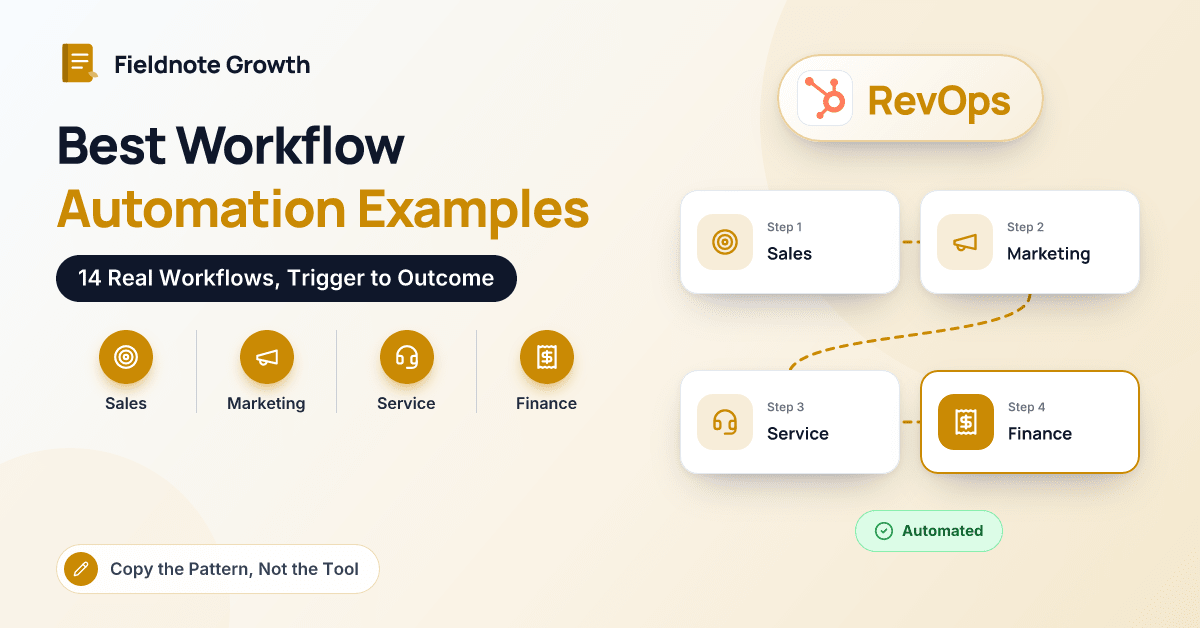
Nearly every workflow we build starts as a whiteboard sketch that looks something like this:
Deal moves to Closed Won
  → create onboarding tasks for the CS team
  → notify the CS lead in Slack with deal notes
  → send a welcome email from the account owner
  → set the renewal date on the company record
Outcome: no new customer waits to hear what happens next
A trigger, a few steps, an outcome. That's the whole grammar of workflow automation, and once a team sees it written down, ideas start arriving faster than anyone can build them.
The hard part isn't imagination; it's specificity. "Automate onboarding" goes nowhere. "When a deal closes, create these four tasks and send this email" ships by Friday. So this article is a catalogue: 14 workflows across sales, marketing, service, finance, HR and operations, each with its trigger, steps, outcome, the kind of tool that fits and one tip from building it. Most of our clients are B2B SaaS companies and agencies on HubSpot, so the examples lean that way, but nearly every pattern transfers to other platforms.
How Should You Read These Examples?
Each example names the trigger that starts it, the steps in order, the outcome you should be able to see and the type of tool that usually fits. For the tools themselves, see our roundup of no-code business automation tools.
How Can Sales Teams Use Workflow Automation?
1. Speed-to-lead routing
Trigger: a demo request form is submitted. Steps: check fit (company size, region) → assign an owner by territory or rotation → create a deal → alert the rep in Slack → create a call task due within the hour. Outcome: qualified leads hear back in minutes, not days. Tool fit: HubSpot workflows or your CRM's native automation. Tip: route around reps who are out of office. A rotation that hands a hot lead to someone on vacation is worse than no rotation.
2. Stale deal nudges
Trigger: a deal sits in one stage for 14 days with no logged activity. Steps: create a task for the owner → if nothing changes in three more days, notify their manager → tag the deal for the weekly pipeline review. Outcome: fewer deals quietly dying in "proposal sent". Tool fit: CRM-native workflows. Tip: set thresholds per stage. Negotiation naturally moves slower than discovery.
3. Closed-won handoff
Trigger: a deal moves to Closed Won. Steps: the sketch at the top of this article. Outcome: customer success starts with full context, and the customer gets a clear next step on day one. Tool fit: CRM-native workflows, plus a project tool integration if onboarding runs there. Tip: make the key handoff fields (goals, stakeholders, promised dates) required before a deal can close.
How Can Marketing Automate Follow-Up?
4. Webinar follow-up by attendance
Trigger: the webinar ends and attendance syncs to the CRM. Steps: branch on attended vs registered-only → attendees get the slides and a booking link → no-shows get the recording → anyone who attended and fits your ideal customer profile becomes a task for sales. Outcome: follow-up that matches what each person actually did. Tool fit: marketing automation (Marketing Hub workflows) with a webinar platform integration. Tip: send within 24 hours. Interest fades fast.
5. MQL handoff with a response SLA
Trigger: a contact reaches your marketing-qualified threshold. Steps: set lifecycle stage → assign an owner → create a task due in four business hours → if untouched, reassign and notify the sales manager. Outcome: marketing and sales stop arguing about lead quality, because you can see what happened to every lead. Tool fit: CRM-native workflows. Tip: report weekly on time-to-first-touch. What gets measured gets worked.
How Can Customer Service Teams Automate Triage?
6. Ticket routing and SLA escalation
Trigger: a ticket is created from email, chat or a form. Steps: categorize by keyword or form field → assign to the right queue → apply a response target by priority → escalate to a lead if the target is about to be missed. Outcome: urgent issues stop waiting behind password resets. Tool fit: help desk automation (Service Hub, or your help desk's rules). Tip: start with three or four categories. Twenty categories means nobody picks the right one.
7. Low CSAT recovery
Trigger: a customer submits a satisfaction score of 2 or below after a ticket closes. Steps: create a follow-up task for the team lead → notify the account owner → log the score on the company record. Outcome: unhappy customers hear from a person within a day. Tool fit: help desk or CRM-native workflows. Tip: give the lead a short call script. The goal is to listen, not defend.
8. Usage-drop alert
Trigger: product usage for an account falls below a set level for two consecutive weeks. Steps: sync usage data into the CRM → flag the account → create a check-in task for the CSM → add to a renewal-risk view. Outcome: customer success hears about churn risk months before renewal, not weeks. Tool fit: a data sync (Data Hub, a warehouse sync or an integration platform) plus CRM workflows. Tip: agree on what "usage" means with product first. One clear metric beats five noisy ones.
How Can Finance Automate Billing and Collections?
9. Invoice on closed-won
Trigger: a deal closes with line items attached. Steps: create or update the customer in the accounting system → generate a draft invoice from the deal's line items → notify finance to review and send. Outcome: no re-keying between CRM and accounting, and faster billing. Tool fit: a native CRM–accounting integration (QuickBooks, Xero) or an integration platform. Tip: keep the draft-and-review step until the product catalog in both systems matches exactly.
10. Overdue invoice reminders
Trigger: an invoice passes its due date unpaid. Steps: polite reminder at 3 days → firmer reminder at 14 → task for the account owner at 30 → flag the account in the CRM. Outcome: fewer awkward collections calls and better cash flow. Tool fit: your accounting system's reminders, or an integration platform syncing status to the CRM. Tip: show overdue status on the CRM record so sales doesn't pitch an upsell to a customer who owes you money. For deeper automation inside the finance stack, see this guide to ERP workflow automation.
How Can HR Automate Onboarding and Approvals?
11. New-hire onboarding checklist
Trigger: a new hire's start date is entered in your HR system or an internal form. Steps: create IT setup, equipment and access tasks → schedule first-week meetings → send a welcome email with day-one details → remind the manager about a 30-day check-in. Outcome: new people arrive to a working laptop and a plan. Tool fit: Zapier, Make or Power Automate connecting your HR system, project tool and email. Tip: include offboarding as the mirror image. Revoking access matters as much as granting it.
12. Time-off requests and approvals
Trigger: an employee submits a time-off form. Steps: send an approval request to the manager in Slack or Teams → on approval, add to the team calendar and notify payroll → on rejection, notify the employee with a reason. Outcome: no requests lost in email, and a clear record. Tool fit: Power Automate approvals for Microsoft shops, or your HR platform's built-in flow. Tip: add an auto-reminder if the manager hasn't responded in two days.
How Can Operations Keep Data and Reporting on Track?
13. Data hygiene sweeps
Trigger: a weekly schedule, or a record created with missing key fields. Steps: standardize formatting (country, phone, job title) → flag likely duplicates → create a task for the record owner to fill gaps. Outcome: reports and routing you can trust. Tool fit: CRM data quality tools (Data Hub in HubSpot) and scheduled workflows. Tip: fix the form or import that created the mess, or you'll be cleaning forever.
14. Weekly metrics digest
Trigger: every Monday at 8 a.m. Steps: pull pipeline, bookings and ticket metrics → post a summary to the leadership Slack channel with a dashboard link. Outcome: everyone starts the week looking at the same numbers. Tool fit: your CRM's scheduled reports, or an integration platform for cross-system numbers. Tip: keep it to five numbers. A digest nobody reads is just noise.
Workflow Automation Examples at a Glance
| Department | Examples above | Typical trigger | Usual tool fit |
|---|---|---|---|
| Sales | Speed-to-lead, stale deals, closed-won handoff | Form submission, stage change, inactivity | CRM-native workflows |
| Marketing | Webinar follow-up, MQL handoff | Event attendance, score threshold | Marketing automation |
| Service | Ticket routing, CSAT recovery, usage drops | New ticket, survey score, usage data | Help desk rules, CRM workflows, data sync |
| Finance | Invoice on close, overdue reminders | Deal closed, due date passed | CRM–accounting integration |
| HR | Onboarding, time-off approvals | Start date, form submission | Integration platform, approvals |
| Operations | Data hygiene, weekly digest | Schedule, missing fields | CRM data tools, scheduled reports |
Which Workflow Should You Build First?
Score each candidate on three things: volume (how often it happens), pain (what goes wrong when it's done by hand) and risk (what breaks if the automation misfires). Start with high-volume, high-pain, low-risk workflows, which is why speed-to-lead routing and stale deal nudges are usually first on our list.
Then build the smallest working version, watch it for two weeks and only then add branches. If your main problem is mistakes rather than speed, this piece on how workflow automation reduces human errors and delays is a good companion.
Key takeaway: Good workflow automation is specific. Write every idea as trigger → steps → outcome, start with the workflows that run most often and hurt most when missed, and give each one an owner who checks it monthly.
Conclusion
The best workflow automation examples aren't clever; they're clear. Each of the fourteen above takes a task people already do, sometimes badly and often late, and makes it happen the same way every time. Most can be built in a CRM's native workflow tools, with an integration platform covering the gaps between systems. Pick two from your highest-volume department, sketch them as trigger, steps and outcome, and build the smallest version first. If you'd like a hand turning your whiteboard sketches into running workflows, the Fieldnote Growth team would be glad to help.
Frequently Asked Questions
What is an example of workflow automation?
A common example is speed-to-lead routing: when a demo request form is submitted, the CRM assigns an owner, creates a deal, alerts the rep and sets a follow-up task due within the hour. It replaces manual inbox triage with a consistent, measurable process. Most workflows follow the same trigger, steps and outcome pattern.
Which department benefits most from workflow automation?
Sales and customer service usually see results fastest, because they handle high volumes of repeatable events like new leads and tickets. Finance often benefits most per workflow, since automating invoicing and reminders reduces re-keying errors and speeds up cash collection.
Do I need a separate tool for workflow automation?
Often not. CRMs, help desks and accounting systems include native automation that covers many of the examples here. You'll want an integration platform such as Zapier, Make or Power Automate when a workflow has to move data between systems that don't integrate directly.
How many workflows should we build at once?
Start with two or three and let them run for a couple of weeks before adding more. Building many at once makes it hard to tell which one caused a problem, and workflows can conflict when several update the same field. Keep a simple list of every workflow and its owner as you grow.