ERP Implementation Stages Explained – What Partners Do at Every Phase

ERP programs that get into trouble rarely fail in a single dramatic moment. They drift. Design decisions that should have closed in month three are still open in month seven. Testing starts before the build is stable. Data that was "nearly clean" at kickoff is still nearly clean the week before cutover. By the time anyone calls it, the schedule has been absorbing small compromises for a year.
The remedy is not a thicker project plan. It is a shared understanding, between customer and partner, of what each phase is for, who owns what, and what must be true before the program moves on.
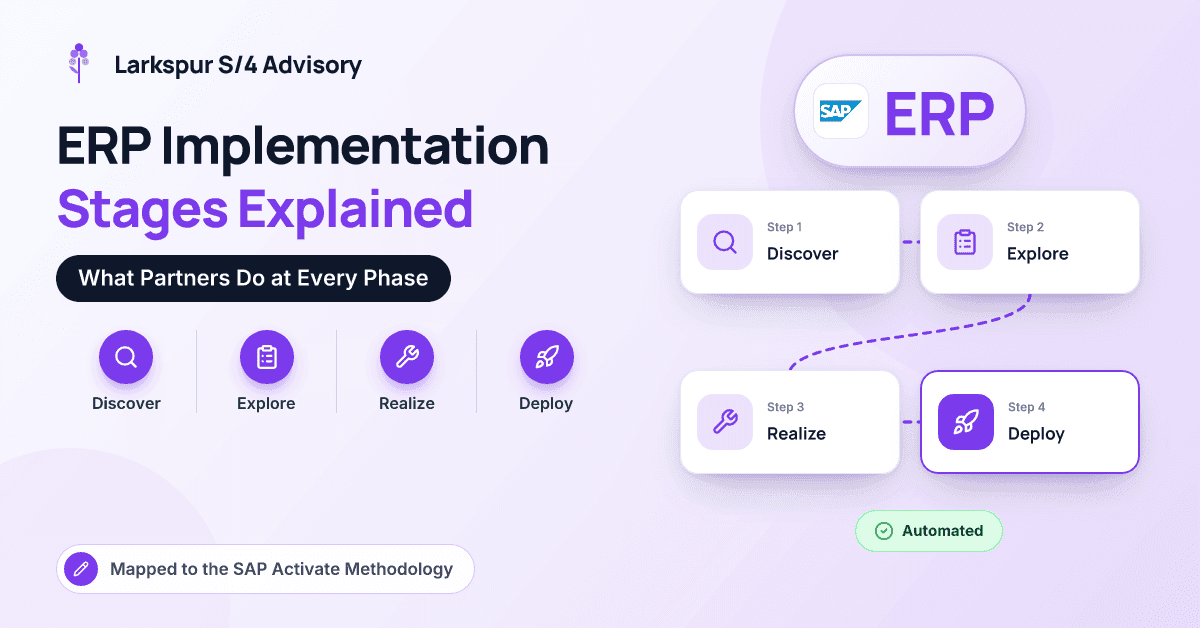
At Larkspur S/4 Advisory we run large S/4HANA and finance-transformation programs for industrial, energy-adjacent and financial-services companies, and governance under SAP Activate is at the center of how we work. This article walks through the six ERP implementation stages of SAP Activate (Discover, Prepare, Explore, Realize, Deploy and Run), maps each to the generic phases you may see in other methods, and sets out goals, partner activities, customer responsibilities, deliverables and exit criteria. It is written for sponsors, executives and project leads on the customer side.
What Is SAP Activate?
SAP Activate is SAP's implementation framework for S/4HANA and its other cloud and on-premise solutions. It combines SAP Best Practices (predefined, ready-to-run business processes), guided configuration, and a phased methodology with agile elements. Phases are separated by quality gates: formal checkpoints where the program confirms the phase's work is complete before committing to the next. SAP publishes the methodology through its Roadmap Viewer, and SAP Cloud ALM is commonly used to manage requirements, tasks and testing.
The arc will look familiar from any ERP method: plan, design, build, test, go live, support. What distinguishes Activate is its starting point. You begin from SAP's standard processes and justify deviations, rather than gathering requirements on a blank page.
| Activate phase | Generic ERP stage | Main goal | Key deliverables | Exit criteria |
|---|---|---|---|---|
| Discover | Evaluation and business case | Decide whether and how to proceed | Value case, scope, roadmap | Approved business case and approach |
| Prepare | Initiation and planning | Set the program up to succeed | Charter, plan, governance, environments | Team, plan and systems ready |
| Explore | Design and requirements | Validate standard processes, agree deltas | Fit-to-standard results, backlog, designs | Signed-off design, prioritized backlog |
| Realize | Build and test | Configure, extend, migrate and test | Configured system, tested data loads, UAT | Business accepts the solution |
| Deploy | Cutover and go-live | Move into production safely | Cutover plan, trained users, live system | Go/no-go passed, system live |
| Run | Hypercare and support | Stabilize and improve | Hypercare log, support handover | Stable steady-state operations |
Discover: Is This the Right Program?
Goal. Establish whether the program makes sense, what it should achieve and which deployment approach fits.
What the partner does. Runs value and scoping workshops, demonstrates relevant processes (often in an SAP trial or demo system), assesses deployment options such as public cloud, private cloud through RISE with SAP or on-premise, and produces a high-level roadmap and estimate.
What the customer owns. Clear objectives, an engaged executive sponsor, a realistic budget envelope, and an honest account of current pain points.
Exit criteria. An approved business case and a chosen approach. If the objectives cannot be written in a paragraph that the CFO would sign, Discover is not finished.
Prepare: Setting Up the Program
Goal. Put the people, plan, governance and systems in place before design begins.
What the partner does. Drafts the charter and integrated plan, sets up governance (steering committee, decision rights, risk and issue logs), onboards the team, defines standards, and coordinates provisioning of starter or sandbox systems. Change management and data migration strategies begin here.
What the customer owns. Naming process owners with real authority and freeing their time, usually through backfill. In our experience this is the most consequential decision in the whole program. A process owner who can give it only Friday afternoons will slow every phase that follows.
Exit criteria. Team mobilized, plan baselined, governance running and environments available.
Explore: Fit-to-Standard and Design
Goal. Confirm how SAP's standard processes will run your business and agree, deliberately, where you need something different.
What the partner does. Runs fit-to-standard workshops for each end-to-end process (order-to-cash, procure-to-pay, record-to-report, plan-to-produce), demonstrating best-practice processes in a working system. Gaps go into a prioritized delta backlog. The partner also designs the organizational structure (company codes, plants, profit centers), integrations, reports, forms and extensions, security roles, and data migration mapping.
What the customer owns. Decisions, made in the room wherever possible. Process owners should challenge "the way we have always done it" and accept standard where the difference is habit rather than advantage. Finance owns the chart of accounts and reporting design; data owners own source data mapping and cleansing.
Exit criteria. Signed-off design, a prioritized backlog, and no critical decision left open. A warning sign is a backlog that keeps growing, or key design questions quietly deferred "to Realize."
Realize: Build, Migrate and Test
Goal. Turn the design into a working, tested solution with data the business trusts.
What the partner does. Configures the system in sprints with regular demos, builds extensions (ideally side-by-side on SAP BTP to keep a clean core) and integrations, and runs unit and string tests. Data migration goes through several mock loads, each reconciled against the source. Integration testing follows, plus performance testing where volumes warrant it. Training materials and a draft cutover plan are prepared in parallel.
What the customer owns. Attending sprint reviews, writing and executing user acceptance testing (UAT) with the partner's support, cleansing and validating data, and preparing key users to become trainers.
Exit criteria. UAT signed off within agreed defect thresholds, data migration rehearsals reconciled within tolerance, and an approved cutover plan.
Deploy: Cutover and Go-Live
Goal. Move into production safely, with trained users and reconciled data.
What the partner does. Runs one or more full dress rehearsals, produces an hour-by-hour cutover runbook, executes production data loads, prepares go/no-go criteria and sets up hypercare. End-user training, often delivered with key users, takes place in this window.
What the customer owns. Business readiness: transaction freezes, physical inventory counts, open-item cleanup, and communication with customers, suppliers and banks. The go/no-go decision belongs to the customer's leadership, informed by the partner's evidence.
Exit criteria. The system is live, opening balances reconcile, and the business confirms it can trade.
Run: Hypercare, Handover and Continuous Improvement
Goal. Stabilize operations, hand over to steady-state support and keep improving.
What the partner does. Leads hypercare, typically for several weeks, triaging issues and fixing defects quickly. Knowledge transfers to the customer's support team or an application management services (AMS) provider. For cloud editions, the partner helps plan release adoption and regression testing for SAP's regular updates.
What the customer owns. System ownership, a super-user network, a continuous improvement backlog and benefits tracking against the original business case.
Exit criteria. Ticket volumes trending down, no critical issues open, and, our favorite test, the first month-end close completed successfully in the new system.
How Do You Keep Phases From Bleeding Into Each Other?
Most programs that miss their dates do so because one phase's unfinished work leaks into the next. The quality gate exists to stop that, but only if it is treated as a decision rather than a ceremony.
In a finance-transformation program for an industrial services group, we recommended holding the Explore gate for three weeks because intercompany and transfer-pricing design was unresolved. It was an unpopular call at the time. It also avoided rework in Realize that would have cost far more than three weeks. The common failure patterns behind these moments are covered in common ERP implementation challenges.
Three practices help. Keep a single decision log that the steering committee reviews. Give someone independent of the delivery team, whether internal audit, a PMO lead or a quality assurance partner, a voice at each gate. And agree exit criteria at the start of each phase, not at the end.
Key takeaway: Every phase has a customer side. Partners configure, build and test, but only the customer can make design decisions, own the data and decide to go live. Programs succeed when both sides know which is which.
If you are still forming your team, it helps to understand what an ERP implementation partner does and how to choose the right SAP implementation partner.
Conclusion
SAP Activate gives an ERP program a clear structure: Discover the case, Prepare the team, Explore the standard, Realize the solution, Deploy carefully and Run with discipline. Each phase has distinct partner activities, customer responsibilities, deliverables and exit criteria, and quality gates only work when they are treated as real decisions. Most programs that fail do not lack a method; they let unfinished work drift from one phase into the next. Agree what "done" means before each phase starts, and hold to it. If you would like to discuss how to structure governance for your own program, the team at Larkspur S/4 Advisory would welcome the conversation.
Frequently Asked Questions
How long does each SAP Activate phase take?
It depends heavily on scope and deployment. For a mid-size public cloud implementation, the whole program may run several months. Large private cloud or on-premise programs often run a year or more, with Realize typically the longest phase and Explore the most consequential.
What is a fit-to-standard workshop?
It is a working session in which the partner demonstrates SAP's standard process in a live system, and the business confirms whether it fits. Where it does not, the gap is logged with a business justification and prioritized. It replaces the older approach of writing requirements from scratch.
Is SAP Activate agile or waterfall?
It is a hybrid. The phases and quality gates give it a structured, stage-gated shape, while Realize uses agile sprints with regular demos and a prioritized backlog. Most programs find the combination works well for ERP, where some decisions must be fixed early.
What is hypercare in an ERP implementation?
Hypercare is the period immediately after go-live when the implementation team provides intensive, fast-response support. It typically lasts several weeks and ends when the system is stable, critical issues are closed and steady-state support takes over.
Who decides whether a project is ready to go live?
The customer's leadership makes the go/no-go decision, usually through the steering committee. The partner supplies the evidence: test results, data reconciliation, cutover rehearsal outcomes and readiness checklists. A good partner will advise against go-live if the criteria are not met, even under schedule pressure.