Common ERP Implementation Challenges (And How to Avoid Them)

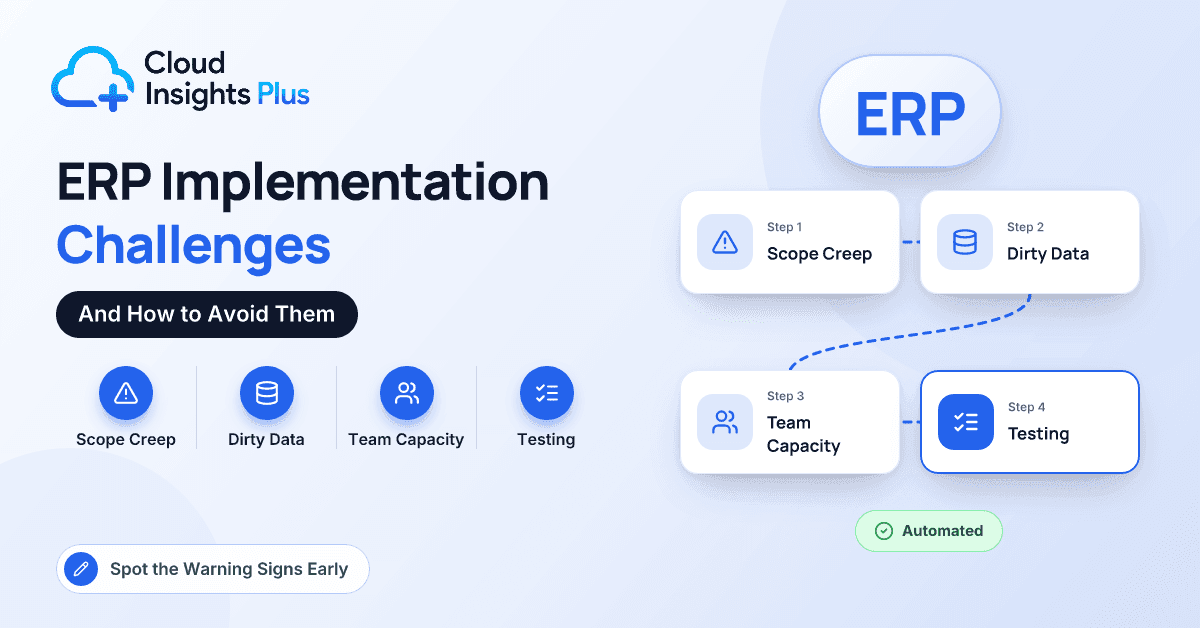
Six months into an ERP project, the steering committee update starts to sound different. The go-live date is "still achievable." Data migration is "nearly there." Someone mentions that the warehouse team hasn't attended a single training session, and nobody in the room can say why.
Projects rarely collapse in one dramatic moment. They drift, through a small set of well-understood problems that show warning signs early and are cheap to fix if someone acts in time. The trouble is that each one looks minor when it first appears.
This guide is for owners, finance and operations leaders and IT managers who are about to start an ERP implementation or are already partway through one. We cover the eight failure points that come up again and again, whatever the platform. For each, we explain why it happens, the early warning signs, and the specific mitigation that works, then finish with a short monthly health check for your steering committee.
Why Do ERP Implementations Go Wrong?
The software itself is rarely the root cause. The problems come from people, data and decisions, and from a basic imbalance: your implementation partner does this work every week, while your team does it once a decade, usually on top of a full-time job. Nearly every challenge below grows out of that gap. For a refresher on how the phases fit together, see our guide to ERP implementation stages and what partners do at each phase.
What Are the Most Common ERP Implementation Challenges?
1. Scope Creep
Why it happens. Once people see what the new system can do, every department adds a request: a special approval route for one large customer, a report that recreates a beloved spreadsheet, an e-commerce integration that was "phase two" until last Tuesday. Each is reasonable on its own. Together they can double the project.
Early warning signs. The change log grows faster than it closes, extra workshops keep appearing on the calendar, and design sign-off slips because new requirements keep arriving.
How to avoid it. Write a scope statement that lists what is out as clearly as what is in, and have the executive sponsor sign it. Route every new request through change control that prices it in time and money before anyone agrees. Keep a visible phase-two backlog so people know their idea is parked, not dismissed.
2. Dirty Data
Why it happens. Legacy systems accumulate years of clutter: duplicate customers ("Acme Inc." and "ACME Incorporated"), vendors with missing tax IDs, items nobody has sold in years, bills of materials that no longer match how the product is built. Migration gets scoped as a technical extract-and-load task, when the hard part is deciding what to keep, merge and retire.
Early warning signs. No business owner is named for each data object, the first trial load sits late in the plan, and cleanup is described as something "we'll sort out during testing."
How to avoid it. Start cleansing in month one, not month four. Give every data object (customers, vendors, items, open orders, opening balances) a business owner, not just an IT contact. Plan at least two or three mock loads and reconcile each against the old system: the trial balance, inventory valuation and open receivables and payables must tie out. Manufacturers usually struggle most with the item master and BOMs; professional services firms with projects, rate tables and work in progress.
3. An Under-Resourced Internal Team
Why it happens. The people who know the processes best are the ones the business can least spare. So the controller and the operations manager join the project on top of their day jobs, and the project waits while they close the month.
Early warning signs. Workshop attendance drops, decisions are pushed to "next week," and the partner starts making design choices by default.
How to avoid it. Budget internal time the way you budget partner fees. Name an internal project manager who spends most of their week on the project, plus a process owner for each area, and backfill their routine work. Agree a decision turnaround standard, such as three business days. As a hypothetical, a controller committed at half time for six months is three months of capacity that has to come from somewhere, so include it when you work out what ERP really costs.
4. Over-Customization
Why it happens. Teams try to rebuild the old system inside the new one. Every custom field, workflow and report adds cost to build, test and maintain. In cloud ERP, each must also survive the vendor's regular updates.
Early warning signs. The fit-gap document has more items marked "develop" than "configure," and requirements describe screens in the old system rather than business outcomes.
How to avoid it. Adopt a standard-first rule: configure first, then consider a proven add-on, and write custom code only for a clear compliance or competitive reason. For every customization, ask what it costs each year to keep and who owns it. Where code is justified, use the platform's supported extension model (AL extensions in Business Central, SuiteScript in NetSuite, side-by-side extensions on SAP BTP) rather than modifying the core.
5. Weak Testing
Why it happens. Testing sits at the end of the plan, so it absorbs every earlier delay while the go-live date stays fixed. Partner unit testing gets mistaken for user acceptance testing, and tests run on tidy demo data instead of your migrated records.
Early warning signs. There are no written test scripts, user acceptance testing is squeezed into a single week, and consultants rather than your own staff are doing the testing.
How to avoid it. Plan distinct test cycles (unit, integration, end-to-end and user acceptance) on migrated data, with exit criteria written in advance. Test whole business flows, not screens. A manufacturer should take a production order from the MRP suggestion through purchasing, receipt, consumption, output, shipment and invoice, checking each step in the general ledger. A services firm should run a project from setup through time entry, billing and revenue recognition.
6. Change Resistance
Why it happens. ERP changes jobs. The payables clerk who knew every vendor's quirks now works through a three-way match between purchase order, goods receipt and vendor invoice, and sales reps lose the ability to override prices without approval. People resist what feels like a loss of control or expertise.
Early warning signs. Demos are poorly attended, teams keep "shadow" spreadsheets just in case, no super-users have been named, and training is booked for the week before go-live.
How to avoid it. Have the executive sponsor explain why the company is changing, more often than feels necessary. Name super-users in each department early and involve them in design and testing. Deliver role-based training on your own data, be honest that productivity usually dips for a few weeks after go-live, and make the old system read-only after cutover.
7. Unrealistic Timelines
Why it happens. Go-live dates are often set backwards from a deadline, such as fiscal year-end, an expiring support contract or a promise to the board, rather than built forward from effort. Plans forget holidays, month-end close and peak season.
Early warning signs. The plan has no contingency, testing and data migration are the shortest bars on the chart, and go-live lands in your busiest month.
How to avoid it. Build the plan bottom-up with your partner and hold explicit contingency. Choose a go-live away from peak season and year-end, ideally at the start of a fiscal period. Agree go/no-go criteria in advance, covering data reconciliation, test completion, training and a cutover rehearsal. A delayed go-live is far cheaper than a failed one.
8. Poor Partner Fit
Why it happens. Partners are sometimes chosen on day rate, or on the strength of a sales team that disappears after signature. The firm may lack experience with your industry or company size.
Early warning signs. The consultants in workshops aren't the people you met during the sale, the partner can't show similar processes it has delivered, and it agrees to every request without pushing back on cost or risk.
How to avoid it. Evaluate partners on team, industry references and method, not just rate. Name key personnel in the contract with approval rights over substitutions, and hold a formal health check at the end of design. Our ERP partner selection checklist covers the evaluation in detail.
ERP Implementation Challenges at a Glance
| Challenge | Early warning sign | Mitigation |
|---|---|---|
| Scope creep | Change log grows faster than it closes | Signed scope with explicit exclusions; priced change control |
| Dirty data | No owner per data object; late first mock load | Cleanse from month one; reconciled mock loads |
| Under-resourced team | Decisions pushed to "next week" | Backfilled process owners; decision turnaround standard |
| Over-customization | More "develop" than "configure" in the fit-gap | Standard-first rule; supported extensions only |
| Weak testing | No scripts; consultants doing the testing | End-to-end scenarios on migrated data; exit criteria |
| Change resistance | Shadow spreadsheets; no super-users | Visible sponsor; super-users; role-based training |
| Unrealistic timeline | No contingency; go-live in peak season | Bottom-up plan; agreed go/no-go criteria |
| Poor partner fit | Different team from the sales pitch | Named key personnel; design-phase health check |
How Can You Catch Problems Before They Get Expensive?
Most of these challenges are visible months before they hurt, so ask about them on a schedule rather than waiting for a status report to volunteer bad news. Add six questions to every monthly steering committee meeting:
- Is the change log trending up or down?
- Did the last mock data load reconcile?
- How many open decisions are older than a week?
- Are the consultants doing the work the people named in the contract?
- Are our own users testing with our own migrated data?
- Has every department's super-user used the system hands-on this month?
If two or more answers make the room uncomfortable, act that month, not at the next phase gate.
Key takeaway: ERP projects rarely fail on technology. They fail on scope, data, people and decisions, and each sends clear signals early. Ask the same uncomfortable questions every month and you will catch most problems while they are still cheap to fix.
Conclusion
The eight challenges in this guide are predictable, which is good news. Scope creep, dirty data, a stretched internal team, heavy customization, thin testing, resistance to change, compressed timelines and a mismatched partner all announce themselves in advance. What separates calm go-lives from painful ones is rarely luck. It is a team that names an owner for each risk, watches the warning signs and acts while the fixes are still small.
Because the partner decision shapes most of the others, a sensible next step is to compare implementation partners by platform, industry and company size in our partner directory, then shortlist two or three for detailed conversations.
Frequently Asked Questions
What is the most common reason ERP implementations fail?
There is rarely a single cause, but under-resourcing on the customer side sits behind many of the others. When process owners don't have time for the project, decisions slow down, data cleanup stalls and testing gets squeezed. Protecting their time is one of the highest-return decisions you can make.
How long does a typical ERP implementation take?
Small businesses moving to a cloud ERP with mostly standard processes often go live in three to six months. Mid-size companies with manufacturing, multiple entities or heavy integration commonly need nine months or more. Treat any estimate produced without detailed discovery with caution.
Who should own data migration: the partner or the customer?
Both, with different responsibilities. The partner typically provides templates, tools and the technical load, while the customer owns data quality, cleansing decisions and sign-off on reconciliations. Problems usually start when the customer assumes the partner will clean the data.
Can an ERP project that is already off track be recovered?
Often, yes. Start with an independent health check covering scope, data, testing readiness and team capacity, then reset the plan with realistic dates and clear go/no-go criteria. Moving a go-live date is uncomfortable, but it costs far less than going live with a system people can't use.