How to Automate Manual Processes Without Hiring Developers

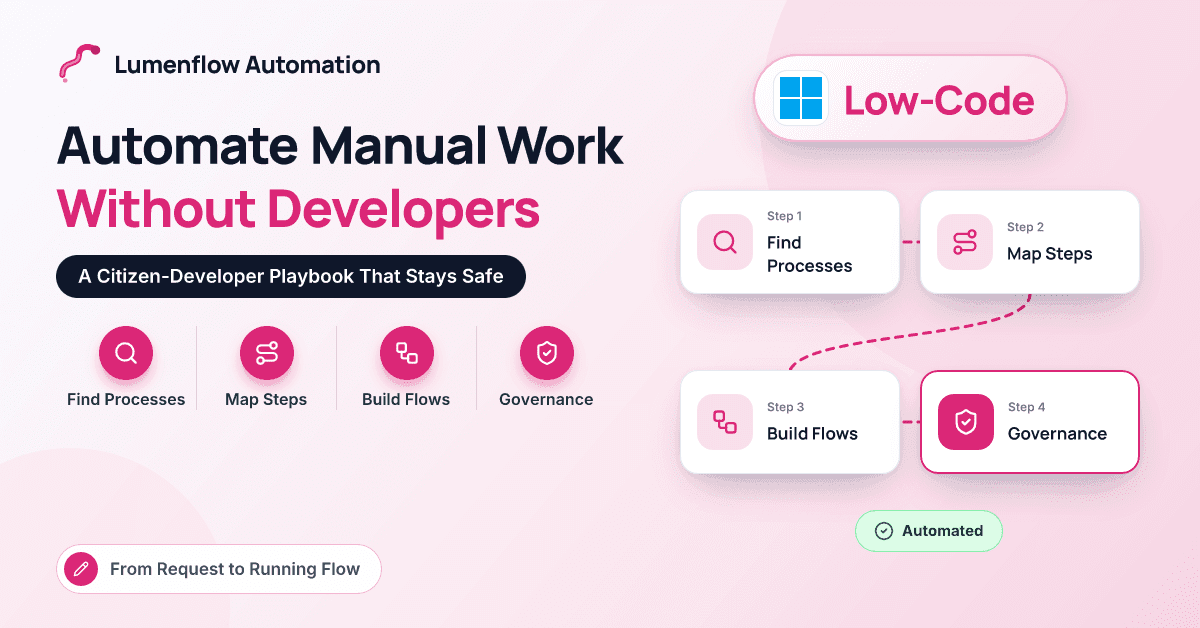
You probably don't need a developer for the first ten processes you automate. You do need a plan.
Most of the manual work we see in professional and financial services firms isn't complicated. A request arrives by email, gets copied into a spreadsheet, waits for someone's approval and is then re-keyed into the ERP or CRM. Nobody designed it that way; it accumulated. And because each process is small, it never reaches the top of IT's backlog.
That's the gap citizen development fills. With low-code tools like Power Automate and Power Apps, the people who run a process can automate it themselves. The catch is that "anyone can build" quickly turns into "nobody knows what's running" unless guardrails go in early.
This guide walks through how we coach business teams to do it well: finding the right candidate processes, mapping them, choosing tools, building safely, setting up governance and knowing when to call in experts. It ends with a worked example that goes from a request to a running flow.
What Does "Without Hiring Developers" Actually Mean?
It means business staff, usually called citizen developers, build automations with low-code tools inside rules that IT sets. It does not mean without IT. In a healthy model, IT provides environments, security policies, licensing and support, while operations analysts, finance staff and team leads build the automations they understand best.
For the tricky parts, such as a custom connector, a professional developer or partner steps in for a few days rather than owning the whole project. Microsoft calls this a fusion team, and it's the model we see work most often. And before buying anything, check what you own: many Microsoft 365 business plans already include Power Automate with standard connectors.
How Do You Find the Right Processes to Automate First?
Good first candidates share a few traits. They happen often, follow clear rules, start from digital inputs, involve one or two teams, and won't cause serious damage if the flow fails for a day. Bad first candidates touch payments, involve regulated decisions or are still changing every month.
To find them, look where manual work hides: shared inboxes, spreadsheets with "tracker" in the name, and anything people describe as "I just chase…". Asking "what do you copy and paste every week?" beats a formal survey. Our beginner's guide to business process automation covers more selection criteria.
Here's how a few typical candidates score:
| Candidate process | How often | Rules clear? | Risk if it fails | Verdict |
|---|---|---|---|---|
| New client onboarding requests | Weekly | Mostly | Low to medium | Strong first candidate |
| Timesheet reminders | Weekly | Yes | Low | Quick win |
| Invoice approval routing | Daily | Yes | Medium | Good, with finance sign-off |
| Vendor bank-detail changes | Monthly | Yes | High (fraud target) | Keep manual controls |
| Month-end variance commentary | Monthly | No | Medium | Not a starter project |
How Should You Map a Process Before Automating It?
Map the process as it really runs, not as the policy says it runs. A whiteboard and the two or three people who do the work are enough. Capture:
- The trigger: what starts it, such as a signed engagement letter.
- Inputs, steps and owners: what information is needed, who does what, in which system.
- The decisions: every rule, approval and threshold.
- The exceptions: missing data, duplicates, rejections.
- The definition of done: what must be true at the end.
Then simplify before you automate. Steps that exist only because the process is manual, like printing a form for a signature or emailing a spreadsheet for "visibility", usually disappear. Automating them faithfully just preserves the waste at higher speed.
Which Low-Code Tools Should Business Teams Start With?
In Microsoft estates, the starter kit is small:
- Power Automate cloud flows for anything triggered by an event, a schedule or a button. They connect Outlook, Teams, SharePoint, Excel, Business Central, Dynamics 365 and Salesforce, among many others, and include ready-made approvals that show up in Teams.
- Microsoft Forms or a SharePoint list for simple intake and tracking.
- Power Apps when you need a proper form with validation, dropdowns tied to real data or a simple app for a team.
- Copilot in Power Automate, which drafts a flow from a plain-English description. It's a good starting point, as long as you review every step it creates.
Desktop flows (Power Automate's RPA) can automate older applications with no connector, but they need more care and belong in a second wave. Salesforce-heavy teams have Salesforce Flow for automation inside Salesforce. If you're weighing a different tool altogether, our Power Automate vs Zapier comparison lays out the trade-offs.
One licensing check matters early: premium connectors need a premium license for the people running the flow, so confirm which of yours are standard before designing around them.
How Do You Build Automations Safely?
These are the rules we give every citizen developer we coach:
- Build in a development environment, not the default environment everyone shares, and test against a sandbox or test company in your ERP.
- Package work in solutions so flows and apps can move cleanly from development to production.
- Add a co-owner to every flow. Nothing important should depend on one person's account.
- Run production flows under a service account or shared connections, not your personal login.
- Handle errors deliberately. Group steps in scopes and use "configure run after" so failures notify the owner.
- Test ugly data: missing fields, duplicates, rejections and timeouts.
- Document the basics: purpose, owner, systems touched and what to do if it breaks.
What Governance Do You Need for Citizen Development?
The essentials are light, and far easier to put in place before you have two hundred flows than after.
Environments and data loss prevention
Treat the default environment as personal productivity space and create dedicated environments for team and business-critical work. Then set data loss prevention (DLP) policies in the Power Platform admin center. These group connectors into business, non-business and blocked categories, and stop a flow from, say, moving client data from SharePoint into a personal file-sharing app.
A small Center of Excellence
A Center of Excellence (CoE) can be two or three people part-time: someone from IT, someone from the business and an executive sponsor. They own standards, run maker training, review business-critical work and keep an inventory. Microsoft's free CoE Starter Kit helps with the inventory, and Managed Environments add controls such as sharing limits, though they carry premium licensing requirements.
Tiers of risk
We use three tiers. Personal automations just need DLP compliance. Team automations need a co-owner and documentation. Business-critical ones need CoE review, a production environment, monitoring and a named support owner. Nobody should need a committee to automate their own reminders.
Worked Example: From Request to Running Flow
This example is a composite of several engagements, simplified and with no client details. Picture a 90-person accounting and advisory firm running Microsoft 365 and Business Central.
The problem. When an engagement letter is signed, the partner emails operations. Someone checks whether the client already exists in Business Central, creates the customer and a job (project) for billing, sets up a client folder in SharePoint and tells billing. Details are often missing, duplicate customers creep in, and time can't be billed until the job exists.
Week one: request and mapping. An operations analyst submits the idea through the CoE's intake form. The CoE confirms it's a team-level automation and the analyst maps the process with two colleagues. "Done" is defined as a customer and job in Business Central, a client folder in SharePoint and a notified requester.
Week two: build. The analyst builds a Power Apps form over a SharePoint list, with required fields for client name, tax ID, billing contact, service line and engagement partner. A Power Automate flow triggers on each request and searches Business Central for a matching name or tax ID; a match goes to finance instead of becoming a duplicate. Otherwise the flow starts a Teams approval for the finance lead. On approval, it creates the customer and job in a Business Central sandbox, creates the SharePoint folder from a template and confirms to the requester. Rejections send the approver's comments back, and every Business Central step sits inside an error-handling scope that alerts the owner.
Week three: test and review. The analyst tests the happy path, a duplicate, a rejection, a missing field and a failed Business Central call. Finance signs off the data mapping and the CoE reviews the flow against its checklist.
Week four: go-live. The solution moves to production, connections switch to a service account and the flow points at the live company. Requesters get a 15-minute walkthrough, and the old email route is retired on a fixed date.
The analyst spent a few hours a week on this, plus about an hour of coaching. Now requests arrive complete, likely duplicates are caught early, and partners see status in Teams instead of chasing by email. For more on automations that sit inside the ERP itself, see our guide to ERP workflow automation and ROI.
When Should You Call in Experts?
Citizen development has limits. Bring in experienced help when:
- The automation moves money, changes bank details or posts journal entries.
- It spans several systems or needs complex data transformation.
- Volumes are high enough to hit API limits or throttling.
- You need unattended desktop automation at scale.
- It handles regulated data or produces audit evidence.
- A flow has become business-critical and only one person understands it.
Even then, the expert doesn't have to take over. Often they build the hard component, such as a secure integration or a custom connector, and the business team builds around it.
Key takeaway: Citizen development works when business teams pick small, rule-based processes, map and simplify them first, and build inside guardrails IT sets up early: separate environments, DLP policies, co-owners and a light-touch CoE.
Conclusion: Small Wins, Strong Guardrails
You can automate a surprising amount of manual work without hiring developers, as long as you treat it as a discipline rather than a free-for-all. Start with frequent, rule-based processes, map and simplify them before building, and use the low-code tools you probably already own. Build in proper environments, give every important flow a co-owner and keep governance proportionate to risk. When an automation starts moving money or carrying regulated data, bring in experienced help for the hard parts. If you'd like help setting up the guardrails so your team can build with confidence, we'd love to hear from you at Lumenflow Automation.
Frequently Asked Questions
What is a citizen developer?
A citizen developer is a business employee, such as an operations analyst or finance specialist, who builds apps or automations with low-code tools rather than traditional code. They work within standards set by IT and bring deep knowledge of the process.
Do we need extra licenses to use Power Automate?
Possibly not to get started. Many Microsoft 365 plans include Power Automate cloud flows with standard connectors. Premium connectors, unattended desktop automation and some governance features require additional licensing, so check current Microsoft licensing for your scenario.
Is it risky to let business users build automations?
It can be without guardrails, mainly through data leaking between apps and business-critical flows tied to one person's account. Separate environments, DLP policies, co-ownership rules and a small CoE address most of that risk while still letting teams move quickly.
How long does it take a business user to learn Power Automate?
Most comfortable spreadsheet users can build a simple flow within a day or two of guided practice. Getting confident with error handling, approvals and solutions takes longer, typically a few weeks of building real automations with some coaching.
Can citizen developers automate processes in Salesforce too?
Yes. Salesforce Flow lets trained admins and business users automate work inside Salesforce, and Power Automate can connect Salesforce with Microsoft 365 and other systems. The same principles apply: map first, build in a sandbox and govern who can deploy what.