How Automation Improves CRM Efficiency and Sales Performance

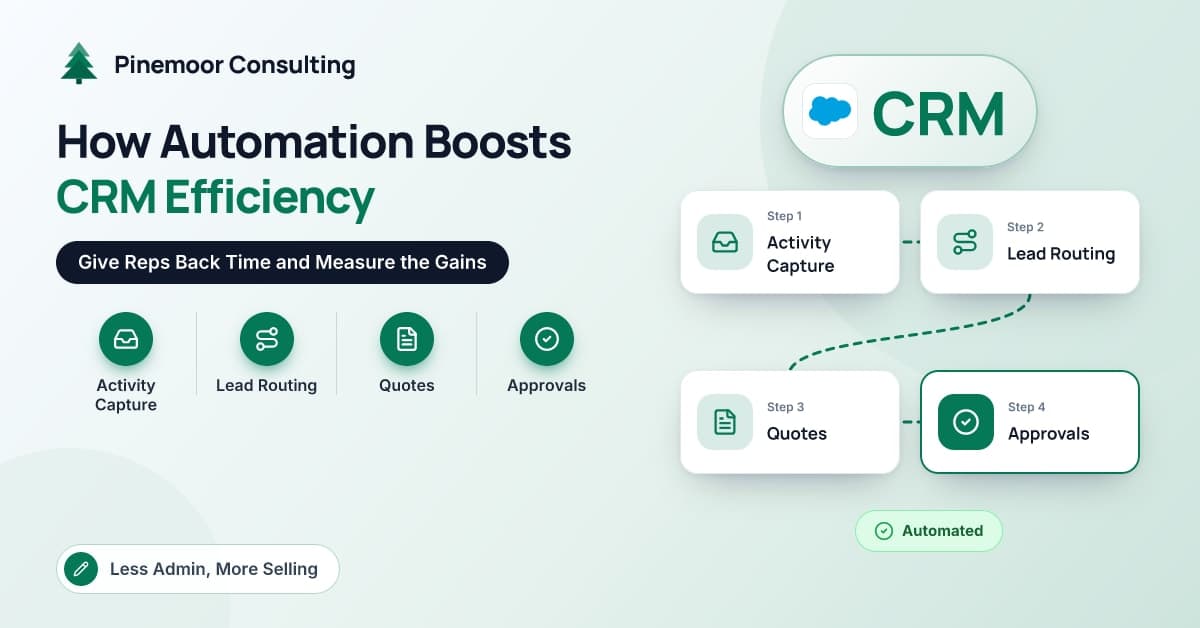
Ask a sales rep where their week went and selling is rarely the biggest slice. There is logging calls and emails, chasing a manager for a discount approval, copying prices from the ERP into a quote template, working out who owns an inbound lead, hunting for a contract end date, and fixing the record that someone else created with the company name in the wrong field.
None of that is selling, and almost all of it can be automated.
At Pinemoor Consulting we spend much of our time on exactly this problem for technology companies and manufacturers on Salesforce, often with integrations into ERP and billing systems. Our approach is systematic: find out where time actually goes, automate the biggest sinks first, and measure the result. This article walks through where reps lose time, the CRM automations that return it, how Salesforce Flow and integrations fit in, and how to prove the gains. It is written for sales leaders, sales operations and RevOps teams.
Where Do Sales Reps Actually Lose Time?
Before automating anything, find out. We ask a sample of reps to keep a simple time diary for one week, in half-day blocks, against a short list of categories. It is imprecise, but it reliably surfaces the same culprits:
- Manual activity logging: copying emails, meetings and call notes into the CRM.
- Lead ownership confusion: leads sitting unassigned, or two reps calling the same prospect.
- Remembering follow-ups: relying on memory or personal to-do lists.
- Building quotes: looking up prices, stock and terms in other systems, then formatting documents.
- Waiting for approvals: discounts and non-standard terms stuck in email.
- Missing renewal dates: finding out about a renewal when the customer raises it.
- Cleaning data: duplicates, missing fields and outdated contacts.
- Switching systems: checking order status or credit holds in the ERP.
Manufacturing sales teams tend to lose more time to quoting and order status, because pricing, availability and lead times live in the ERP. SaaS teams tend to lose more to activity logging and follow-up across high volumes of smaller deals.
Which CRM Automations Give That Time Back?
| Time sink | Automation | Typical Salesforce tooling | Metric to watch |
|---|---|---|---|
| Activity logging | Email and calendar sync | Einstein Activity Capture or Outlook and Gmail integration | Activities per rep, logging time |
| Lead ownership | Instant assignment with SLA timers | Assignment rules, record-triggered Flow | Time to first touch |
| Follow-ups | Structured cadences | Sales Engagement cadences | Touches per lead, meetings booked |
| Quotes | Quotes built from ERP data | Native quoting or CPQ plus MuleSoft integration | Quote turnaround time |
| Approvals | Rule-based approval routing | Approval processes, Flow, mobile and Slack approvals | Approval cycle time |
| Renewals and data hygiene | Scheduled checks and alerts | Scheduled Flow, duplicate rules, validation rules | Renewals worked early, duplicate rate |
Activity capture
Syncing email and calendar activity removes the most tedious task in a rep's week. Check how captured activity is stored and reported in your edition, because that affects which dashboards and AI features can use it, and agree rules on what is excluded, such as personal or sensitive messages.
Lead assignment
Assignment based on territory, segment, product or round-robin should happen within seconds of a lead arriving. A record-triggered Flow can enrich the lead, assign it, notify the owner and start an SLA timer that escalates if there is no first touch.
Follow-up cadences
Cadences in Sales Engagement, or sequences in HubSpot, turn "I must follow up" into a structured series of calls, emails and tasks. Keep them short and relevant. A badly designed cadence automates spam, and buyers notice.
Quote generation
The quote is where integration pays off most. When the CRM pulls current pricing, stock availability and customer credit status from the ERP, reps produce accurate quotes without opening another system. Native quoting covers many businesses; CPQ earns its place when configuration rules or pricing models are complex.
Approvals
Discount and terms approvals should route automatically based on thresholds, reach approvers on mobile or in Slack, and record the decision on the quote. A rule like "discounts above a set percentage go to the regional director" removes guesswork and speeds up the deal.
Renewal alerts
A scheduled Flow can create renewal opportunities and tasks a fixed period before contract end, using dates synced from billing or ERP. Renewals stop being surprises.
Data hygiene
Duplicate and matching rules block or flag duplicates at entry. Validation rules enforce required fields at the right stage. Scheduled Flows flag stale opportunities and recycle untouched leads. Hygiene automation is unglamorous, but every other automation depends on it.
How Does Salesforce Flow Fit In?
Flow is Salesforce's primary declarative automation tool, and Salesforce has moved customers off the older Workflow Rules and Process Builder in its favor. The main flow types we use for sales automation are:
- Record-triggered flows, which run when a record is created or updated. Before-save flows handle fast field updates on the same record; after-save flows create or update related records and send notifications.
- Scheduled flows, which run on a timetable, for example to find renewals due in the next quarter.
- Screen flows, which guide users through multi-step tasks such as qualifying a lead or requesting an exception.
- Subflows, which package reusable logic so it is built once and called from many places.
A few practices keep Flow manageable as volume grows: a clear design for how many flows run on each object and in what order, fault paths that notify an admin instead of failing silently, consistent naming and descriptions, and testing in a sandbox with realistic data volumes. When logic becomes very complex or performance-critical, Apex code is still the right tool.
Where Do Integrations Multiply the Gains?
Automations inside the CRM can only use data the CRM has. Integrations bring in the rest:
- ERP for pricing, stock, credit status, orders and invoices, so reps answer customer questions without switching systems.
- Billing and subscription platforms for contract terms and renewal dates.
- Product usage data for SaaS companies, to trigger expansion and risk plays.
- Marketing automation for engagement history and lead scores.
- E-signature so signed quotes update the opportunity automatically.
We generally use an API-led approach with MuleSoft for clients with several systems, separating system APIs, which expose each back-end system, from process APIs that combine data for a purpose such as "quote availability." It avoids the tangle of point-to-point connections that becomes expensive to change.
How Do You Measure the Gains?
Measure at four levels, starting with a baseline captured before go-live.
- Time: repeat the one-week time diary after rollout and compare.
- Process speed: time to first touch, quote turnaround and approval cycle time, all of which the CRM can report directly.
- Activity and output: activities logged, meetings booked and opportunities created per rep.
- Outcomes: win rate, sales cycle length and average deal size, tracked over several quarters because they move more slowly.
To illustrate with a hypothetical example: suppose a 25-rep team finds through its time diary that each rep spends around five hours a week on logging, quoting and chasing approvals. If automation cuts that by three hours per rep, the team gains roughly 75 hours of selling time each week, close to two full-time reps' worth. Whether those hours become revenue depends on how they are used, which is why outcome metrics matter as well.
Watch for unintended effects too. Too many automated tasks and alerts create noise that reps learn to ignore, and a cadence that sends too many emails can hurt response rates.
Pro tip: Prioritize automations that remove a step entirely over those that make a step faster. Automatic activity capture beats a quicker logging screen every time.
Conclusion
Automation improves CRM efficiency and sales performance by returning the hours reps lose to logging, routing, follow-ups, quoting, approvals, renewal tracking and data cleanup. Salesforce Flow handles most of that inside the CRM, and integrations with ERP, billing and product systems extend it to the data reps need most. Start with a time diary, automate the largest sinks first, and measure time, process speed, output and outcomes against a baseline. For more ideas across other departments, see these workflow automation examples for real businesses, and for the revenue plays automation supports, this guide to CRM use cases that drive revenue. If you would like a second pair of eyes on your sales automation, the team at Pinemoor Consulting would be happy to help.
Frequently Asked Questions
What sales tasks should be automated first?
Start with the tasks your time diary shows consume the most rep hours and require the least judgment. Activity capture, lead assignment and approval routing are common first choices because they are high volume and rule-based. Quote automation usually follows once ERP integration is in place.
Is Salesforce Flow enough, or do we need custom code?
Flow handles the large majority of sales automation, from routing and notifications to scheduled renewal creation and guided screens. Apex code is still appropriate for very complex logic, heavy data volumes or performance-sensitive processes. A good partner will default to Flow and justify any code.
Can automation make CRM data quality worse?
Yes, if it is poorly designed. Automations that create records without duplicate checks, or that overwrite fields from unreliable sources, can multiply bad data quickly. Build hygiene rules first, test automations with realistic data, and monitor duplicate rates after each release.
How do you measure the ROI of sales automation?
Compare time spent, process speed and outcomes before and after rollout, and convert time saved into capacity using a clearly stated assumption. Include licensing, build and maintenance costs. Outcome metrics such as win rate and cycle length should be tracked over several quarters.
What happened to Workflow Rules and Process Builder in Salesforce?
Salesforce has ended support for these older tools in favor of Flow and provides a Migrate to Flow tool to help convert existing automations. Organizations still relying on them should review and migrate those automations, ideally consolidating logic as they go rather than converting everything one for one.