What Is AI-Powered ERP and How It Helps Small Businesses

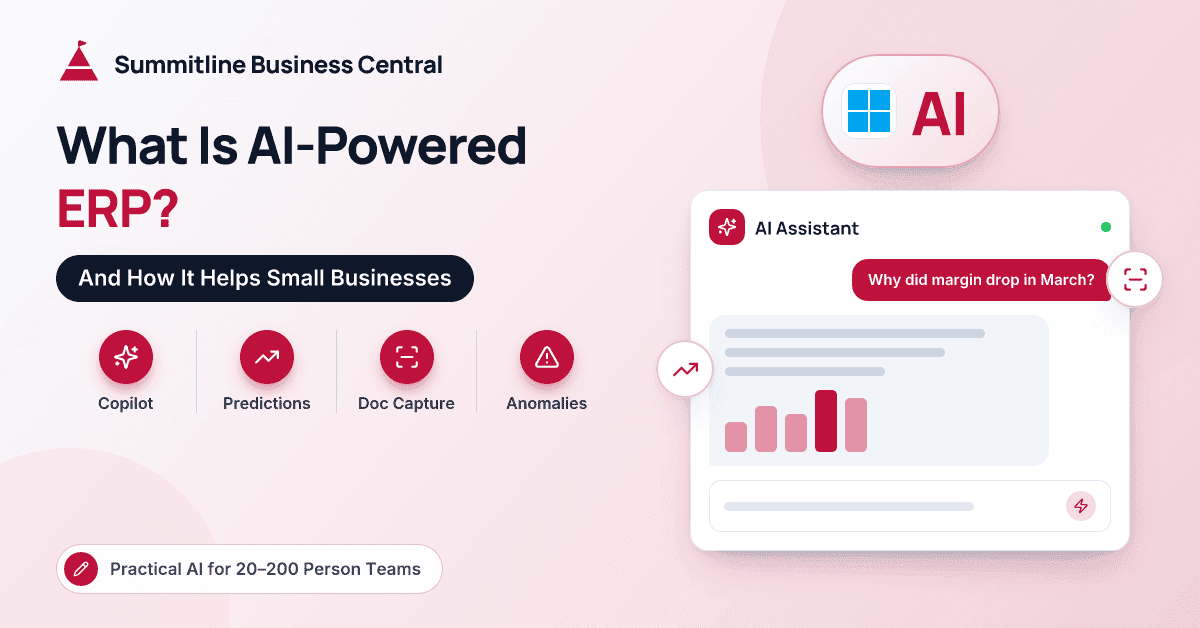
The controller of a 60-person distributor we work with put the question to us plainly. Every software email she received now mentioned AI. Was she supposed to be doing something about it, and what would it cost? She wasn't skeptical of the technology. She was skeptical of the pitch. Her team was still keying vendor invoices from PDFs and chasing the same late payers every month, and she wanted to know whether any of this would change that.
It's a fair question, and the honest answer is more modest than the marketing. For most small and mid-size companies, AI-powered ERP doesn't mean a new system or a data science team. It means features inside the ERP you already run, or are about to move to, that reduce typing, flag problems earlier and answer questions faster.
This article explains what the term actually covers, the realistic benefits for a 20 to 200 person company, what it costs, how ready your data needs to be, and where to start. We'll use Microsoft Dynamics 365 Business Central for examples, because that's where we spend our days, but the principles apply to most modern cloud ERPs.
What Does "AI-Powered ERP" Actually Mean?
An AI-powered ERP is one where machine learning and generative AI are built into everyday tasks, rather than sitting in a separate analytics project. The AI makes a suggestion, a prediction or a draft, and a person decides what to do with it.
It's worth separating this from ordinary automation. An approval workflow that routes any purchase order over a set amount to the owner is a rule, and so is a recurring journal that posts rent every month. Rules are predictable: same input, same output. AI works with likelihoods. It might say an invoice is probably from a particular vendor, or that a customer will probably pay late. That's useful, but it means AI output needs a review step that rules don't.
Most of the value for small businesses comes from combining the two: rules for the predictable work, AI for the messy edges.
What Are the Main Types of AI in ERP?
Built-in copilots
Generative AI assistants embedded in the ERP screens. In Business Central, Copilot can draft marketing text for items from their attributes, suggest sales lines from a short description of what the customer wants, help match bank statement lines during reconciliation, and build analysis views over list data when you describe what you want in plain language. A chat experience can also answer how-to questions and help users find records. Microsoft has also begun introducing agents that take on multi-step tasks, such as handling incoming sales inquiries. Availability varies by country, language and version, so check what's live in your environment.
Predictions
Machine learning models that use your history to estimate what will happen next. Business Central offers a late payment prediction extension that scores whether a sales invoice is likely to be paid on time, and a sales and inventory forecast extension that projects item demand to inform purchasing. Both use Azure AI services behind the scenes.
Document capture
AI that reads PDF and emailed invoices, extracts the vendor, invoice number, dates, lines and totals, and creates a draft purchase document for review. In Business Central this comes through the e-documents framework and a range of capture add-ons on AppSource, and Microsoft has been adding Copilot assistance to matching incoming invoice lines with purchase order lines.
Anomaly detection
Spotting transactions that don't fit the pattern: an invoice that looks like a near-duplicate, a vendor bank account change just before a large payment, a journal entry posted at an unusual time or amount. Business Central already has rule-based protection here, such as stopping the same vendor invoice number from being posted twice. Pattern-based anomaly detection is still more common in add-ons and analytics tools than in core SMB ERP, so treat it as an emerging area.
| Type of AI | What it does | Business Central example | What you need first |
|---|---|---|---|
| Copilot | Drafts, suggests and summarizes | Item text, sales line suggestions, bank reconciliation help | Clean item and customer records |
| Predictions | Estimates future outcomes | Late payment prediction, sales and inventory forecast | A meaningful amount of transaction history |
| Document capture | Reads documents into draft transactions | E-documents and AppSource capture add-ons | Consistent vendor master and PO discipline |
| Anomaly detection | Flags unusual transactions | Duplicate checks today; add-ons for pattern analysis | Clear controls and someone to review alerts |
What Are the Realistic Benefits for a 20–200 Person Company?
The benefits are real, but they're incremental. Think minutes and hours returned each week rather than departments replaced.
Here's a clearly hypothetical example. Suppose an AP clerk at a 50-person wholesaler handles 400 vendor invoices a month and spends about four minutes typing each one. That's roughly 27 hours a month of data entry. If document capture does most of the typing and the clerk reviews and corrects, a meaningful share of that time comes back for exceptions, vendor queries and month-end work. Your own numbers will differ; the point is to measure them before and after.
Other benefits we see in practice:
- Earlier warnings on cash. Late payment predictions help a small AR team call the right customers first, rather than working down the list by balance.
- Better purchasing decisions. Demand forecasts give buyers a starting point, especially for steady, repeat-ordered items.
- Faster answers for owners. Asking for "sales by customer last quarter, grouped by salesperson" in plain language beats waiting for a report.
- Better product content. Copilot-drafted item descriptions save time for companies that sell online.
What AI in ERP won't do: fix a broken process, replace your accountant's judgment, produce good predictions from messy data, or run the business unattended.
What Does AI in ERP Cost?
The costs are usually smaller than buyers fear, but they aren't zero. Microsoft has included many Copilot features in Business Central licenses without a separate charge, and administrators can switch individual features on or off. Newer agent capabilities may be licensed or metered differently, so check Microsoft's current terms before you plan around them.
A few other cost lines to expect:
- Microsoft 365 Copilot is a separate per-user add-on for Word, Outlook, Teams and Excel. You don't need it to use Copilot inside Business Central.
- Prediction extensions use Azure AI services behind the scenes. Depending on volume, you may need to connect your own Azure resources.
- Document capture add-ons are typically priced by subscription or document volume.
- Partner and internal time for setup, data cleanup, testing and training. This is often the largest cost, and the one most often left out of budgets.
For the wider picture of ERP licensing and implementation costs, see this breakdown of ERP pricing for small and mid-size companies.
Is Your Data Ready for AI?
AI features are only as good as the records they learn from. Before switching anything on, check four things.
- Master data quality. Duplicate vendors, inconsistent item descriptions and mixed units of measure confuse both capture and predictions.
- Enough history. Forecasting needs history that covers at least a full seasonal cycle, ideally more. Late payment prediction needs a record of paid invoices with realistic due dates.
- Consistent processes. If half your customer payments are applied with manual journal entries instead of proper payment applications, payment predictions will learn the wrong lessons.
- Sensible permissions. Copilot works within each user's permissions, so review who can see payroll accounts, margins and customer pricing before you widen access.
This is where migration decisions come back around. When we move companies off GP or QuickBooks, many choose to bring only summary history into Business Central, which is usually the right call for the ledger. But summary balances don't feed item-level forecasts. If demand forecasting is on your roadmap, consider importing item sales history separately during the migration.
Where Should a Small Business Start?
We suggest a deliberately small first step:
- Pick one pain point with a number attached, such as hours spent keying invoices, days sales outstanding or last quarter's stockouts.
- Switch on what you already own. Try the included Copilot features in a sandbox first, with a couple of willing users.
- Clean the data that feature depends on, and only that data, so the effort stays bounded.
- Run a 60 to 90 day pilot with a named owner and a simple rule: people review and approve AI output before it posts.
- Measure, then decide whether to expand, adjust or stop.
Key takeaway: For small businesses, AI-powered ERP is mostly about practical features inside the system you already use. Start with one measurable problem, clean the data behind it, and keep a person in the loop.
For a deeper look at the specific Business Central features, see how AI is transforming Dynamics 365 Business Central, and for finance-specific use cases, read about AI in AP, AR and cash flow.
Conclusion
AI-powered ERP sounds bigger than it is, and that's good news for small businesses. The useful parts today are copilots that draft and suggest, predictions that flag risk earlier, document capture that cuts typing, and early anomaly checks. Much of it is already included in modern cloud ERP licenses, and the real investment is clean data and a little time. Start with one problem you can measure, keep people in charge of the decisions, and expand only when the results justify it.
If you'd like to talk through which AI features make sense for your team, the people at Summitline Business Central are happy to help.
Frequently Asked Questions
Do small businesses need AI in their ERP?
Need is a strong word. Most small businesses will get value from a few AI features, such as invoice capture or payment predictions, but a clean, well-configured ERP matters far more than any AI feature. Fix the basics first, then add AI where it saves measurable time.
Is Copilot in Business Central free?
Microsoft has included many Copilot features in Business Central licenses without a separate charge, though availability varies by region and language. Some newer agent capabilities may be licensed differently, so check current Microsoft terms. Microsoft 365 Copilot for Office apps is a separate paid add-on.
Will AI replace my bookkeeper or accountant?
No. AI reduces data entry and points people toward problems sooner, but someone still has to review exceptions, make judgment calls and own the numbers. In our experience, AI shifts bookkeeping time from typing toward checking and analysis.
How much data do I need for AI forecasting in ERP?
There's no single threshold, but forecasts improve with history that covers at least one full seasonal cycle and preferably more. Items with sporadic or very new sales will always forecast poorly, so plan to treat those manually.
Is AI in ERP safe for our financial data?
Microsoft's Copilot features in Business Central work within each user's existing permissions, and administrators can turn features on or off. Review permissions, read the vendor's data-handling documentation, and keep a human approval step for anything that posts to the ledger.